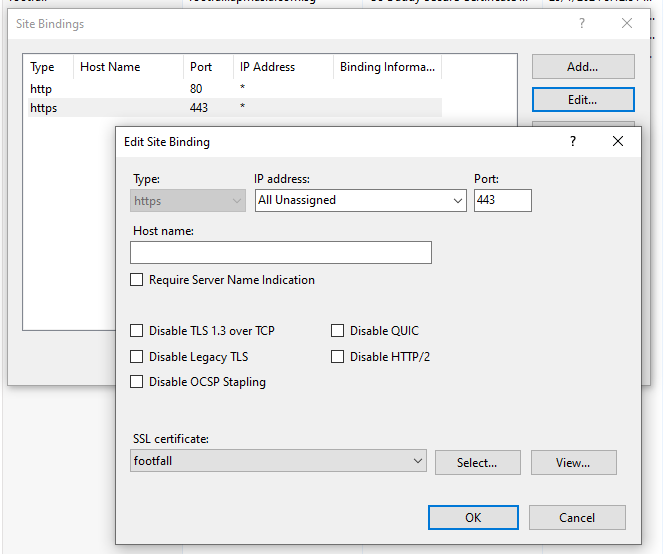
Change your SSL after you changed domain in IIS

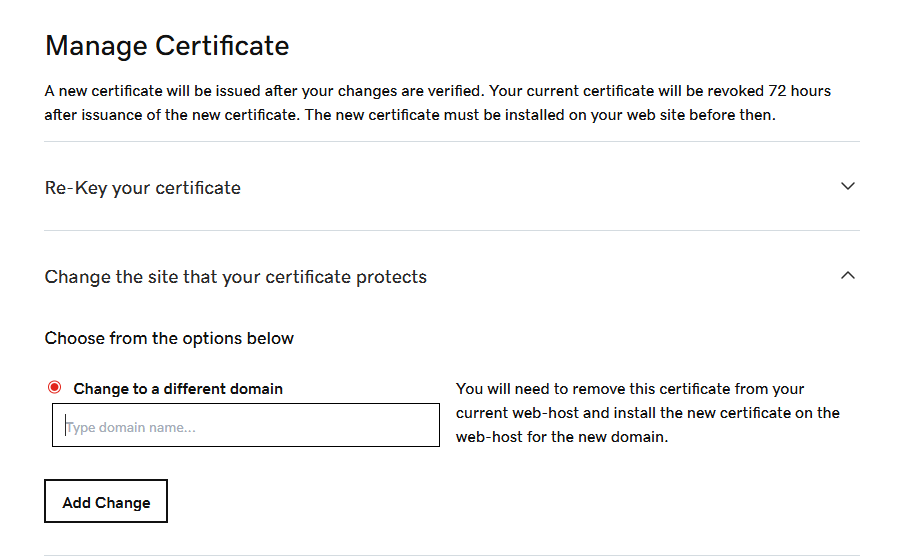
1.go godaddy.com change the domain name
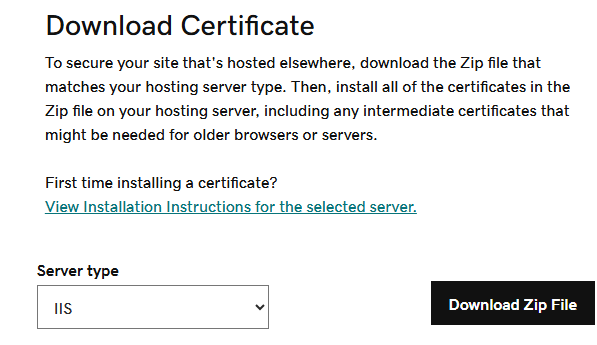
2. verify your domain and then download the new certificate files
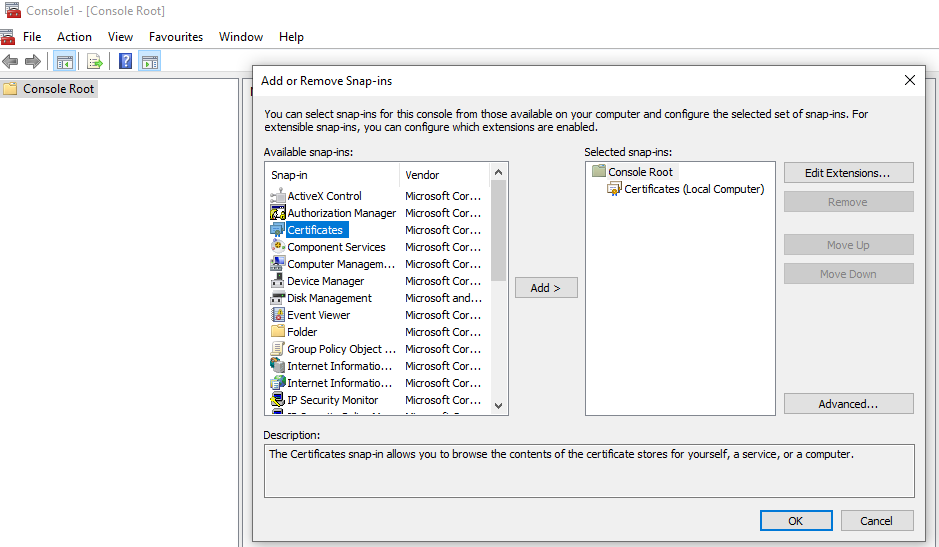
3. import the certificate into mmc certificate “Trust Root” and “Personal”
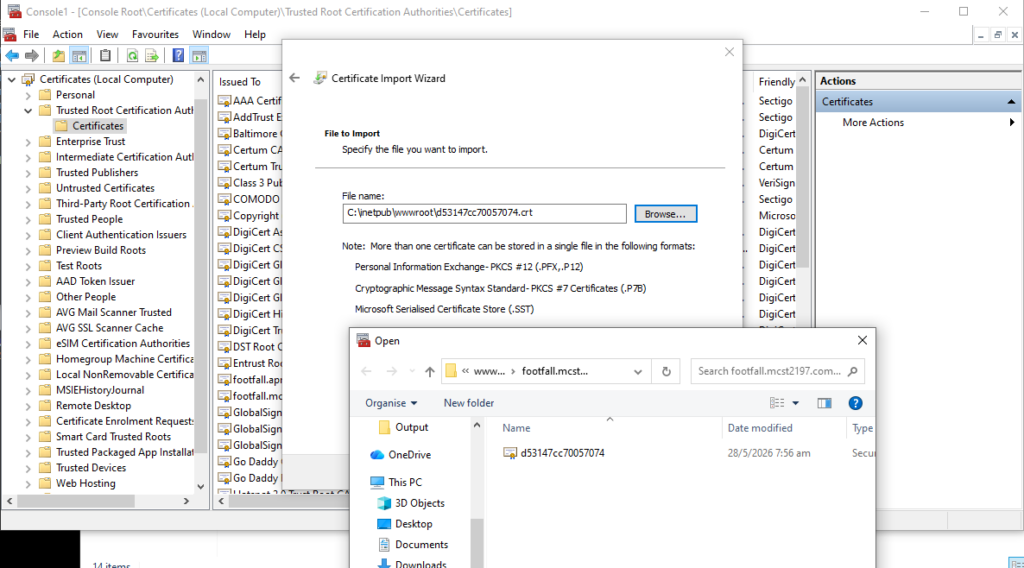
4. go to IIS to complete certificate
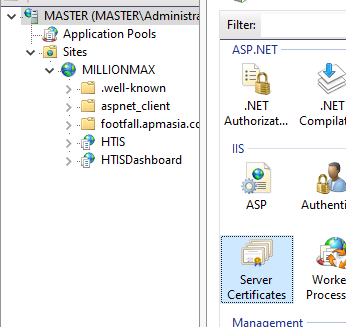
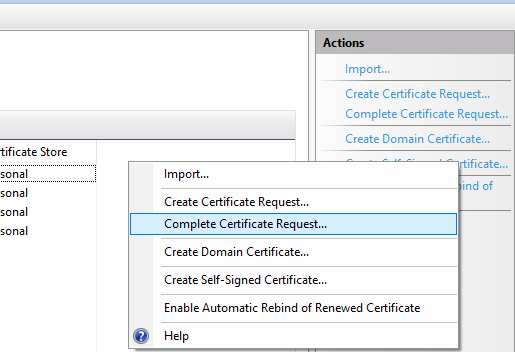
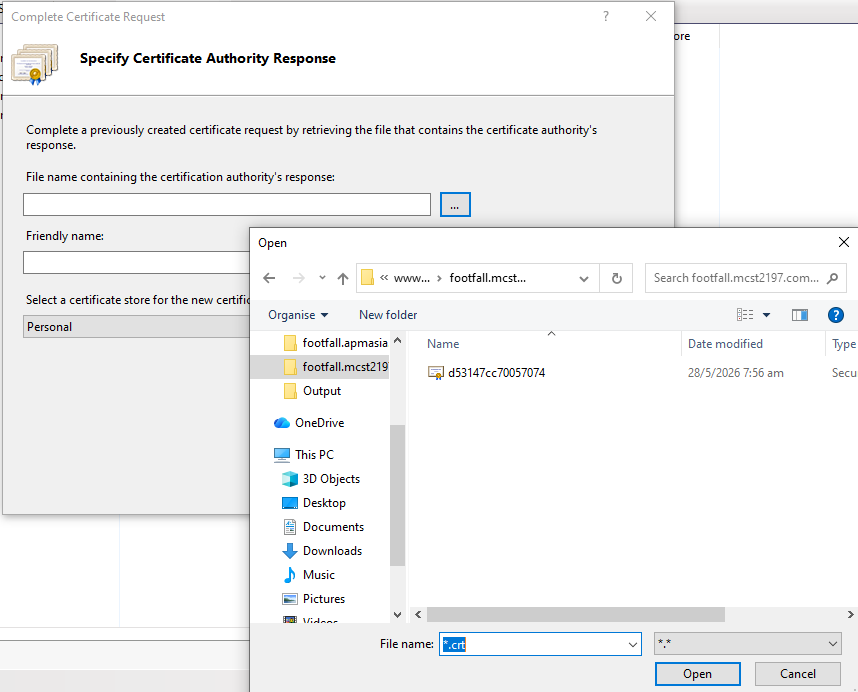
choose the .cer or .crt file, give it a nice name
5. set iis binding to this new cert(friendly name)